Tools
Notes
Notes is your personal scratchpad for keeping answers and writing of your own. It's a simple, markdown‑powered notebook — find it under the Tool tab in the sidebar.
Saving an answer as a note
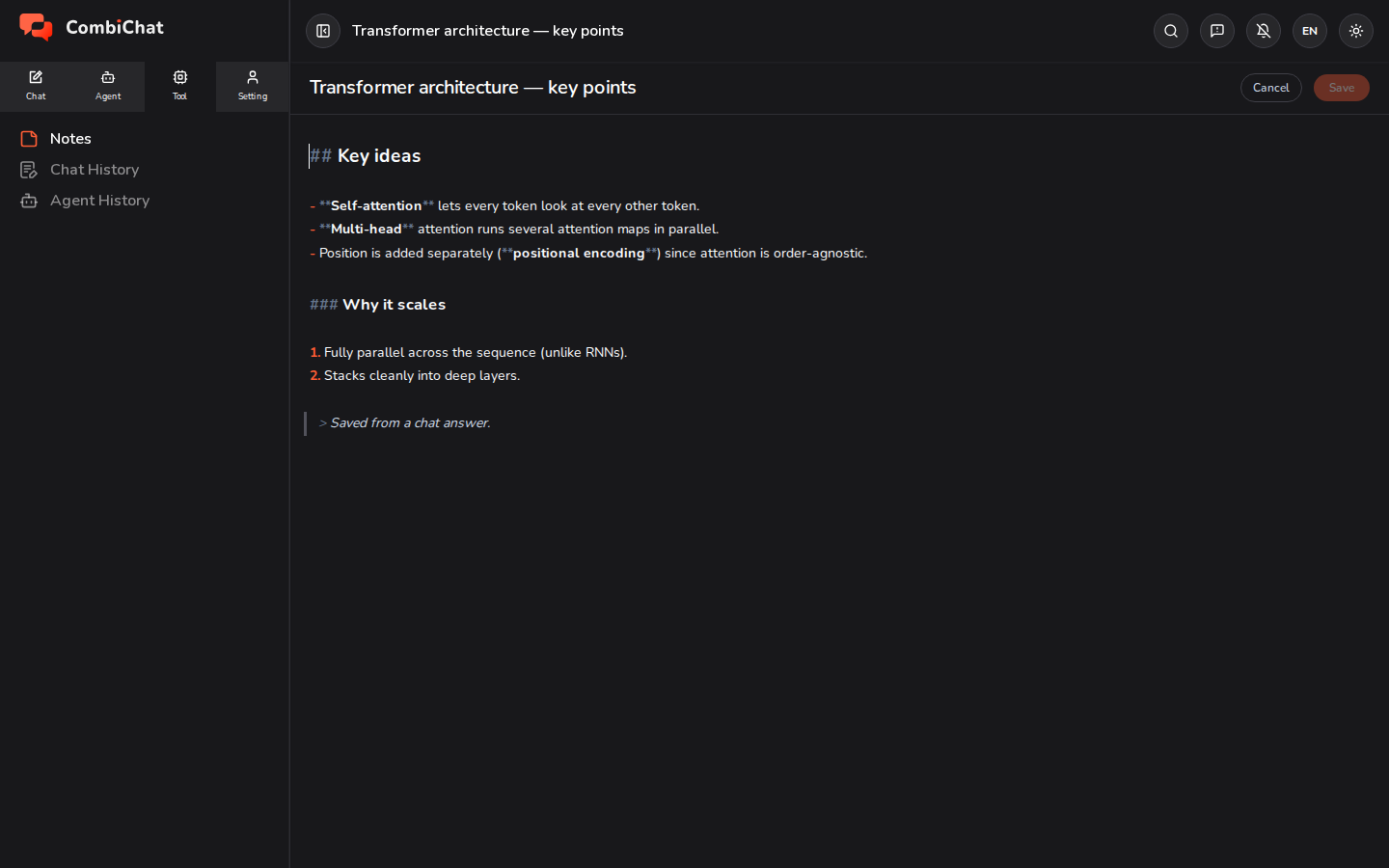
The quickest way to start a note is straight from a chat. On any AI reply, use Save to note — the answer is copied into a new note, formatted exactly as it looked in the chat. It's the easiest way to keep a good response you'll want again.
Writing and editing
Open a note to read it; switch to edit mode to change it.
- The editor uses markdown — headings, lists, bold, links, code, and tables all work, and a saved note renders just like a chat answer.
- Give the note a title at the top.
- Save returns you to reading mode; pressing ⌘/Ctrl + S saves without leaving the editor.
- Your text is safe: if a save ever fails, your edits are kept in place so nothing is lost.
Managing notes
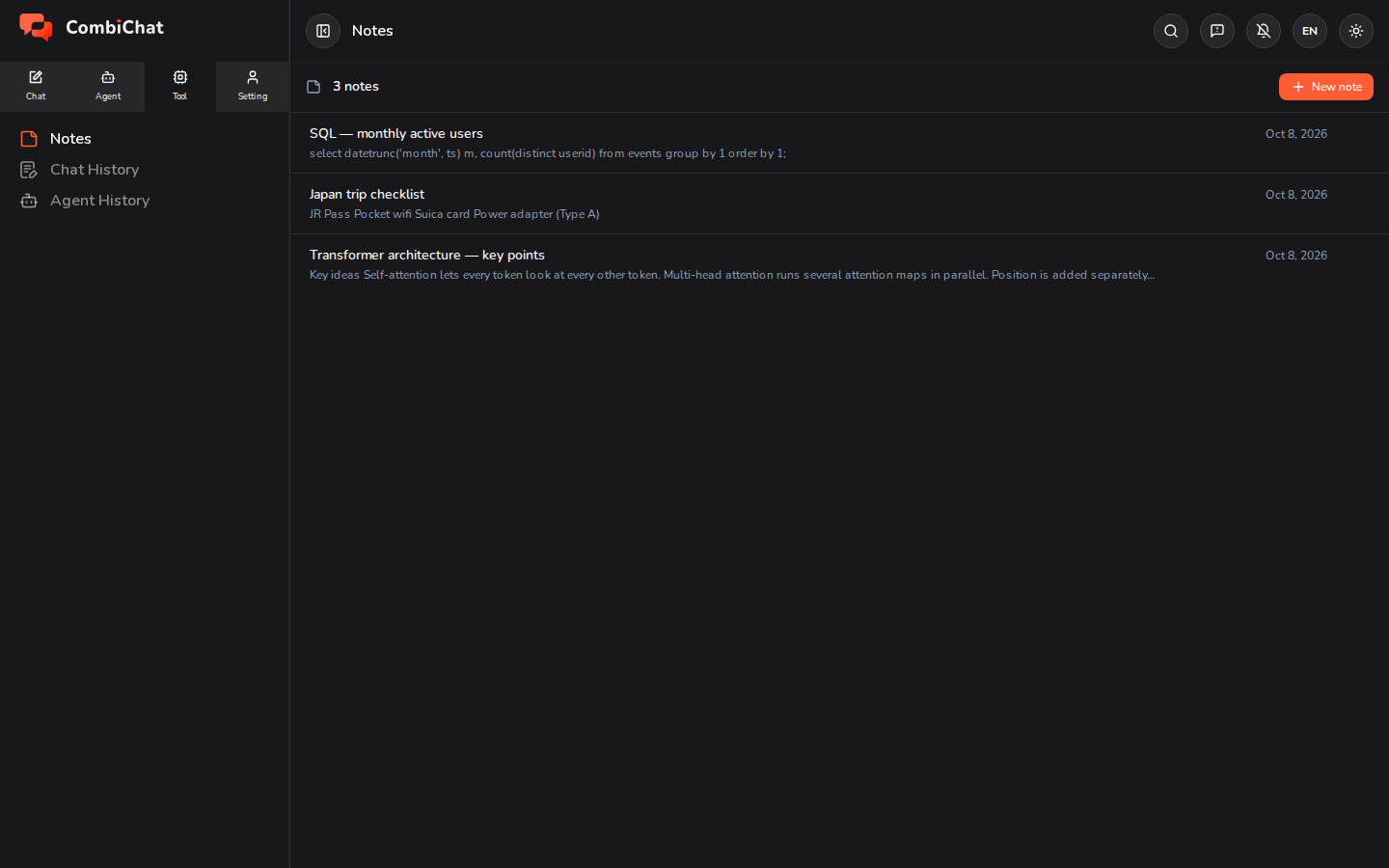
The Notes list shows everything you've saved, newest first. From here you can open, rename, and delete notes — the same way you manage chats.
Tips
- Use Notes as a clipboard for the best answers — save now, tidy up later.
- Because notes are markdown, you can paste one back into a chat or copy it elsewhere and keep its formatting.