All the Latest AI.
All in One Platform.
Access the best AI models from around the world without switching tabs. Compare, contrast, summarize and choose the perfect response for every task — all in one platform.
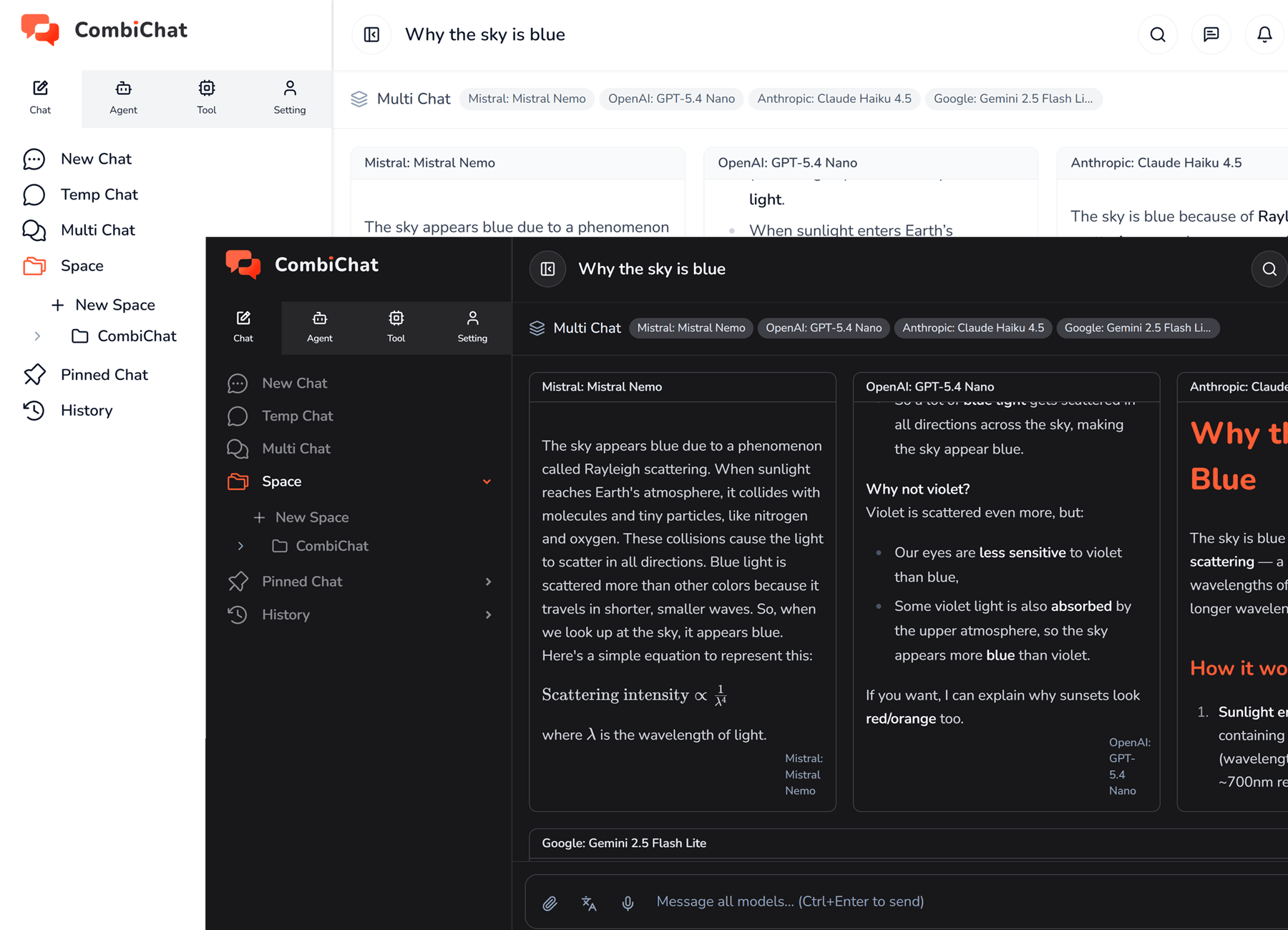
Access the best AI models from around the world without switching tabs. Compare, contrast, summarize and choose the perfect response for every task — all in one platform.







Seamlessly switch between top AI models like GPT, Claude, and Grok in a single interface, unlocking diverse perspectives for faster, more accurate insights.
Bring your ideas to life with a complete collection of AI-powered tools for creating stunning images, engaging videos, and natural voice content — all in one place, with one subscription.
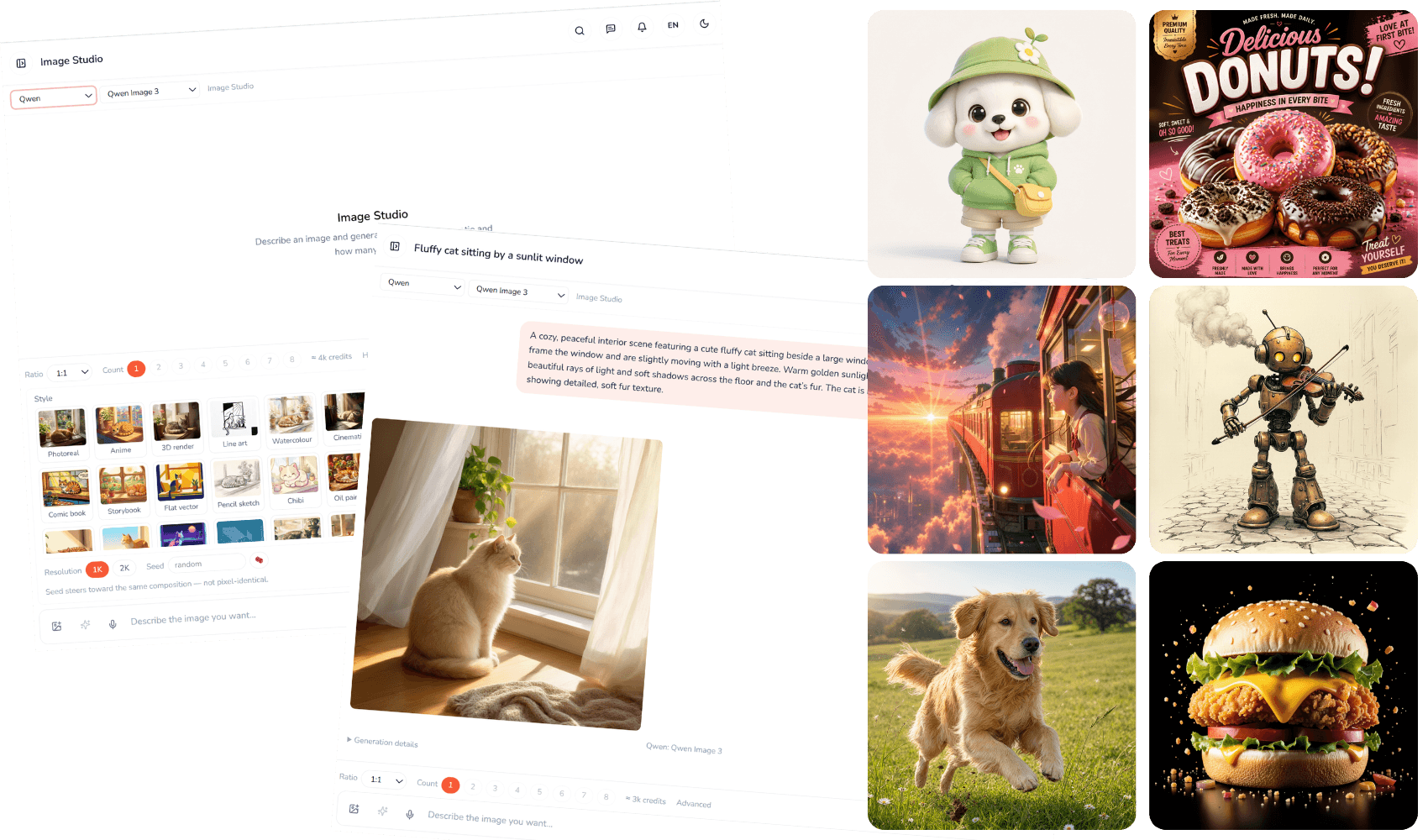
Bring Your Ideas to Life - Turn your ideas into captivating images with 80+ AI image models, all in one creative studio.
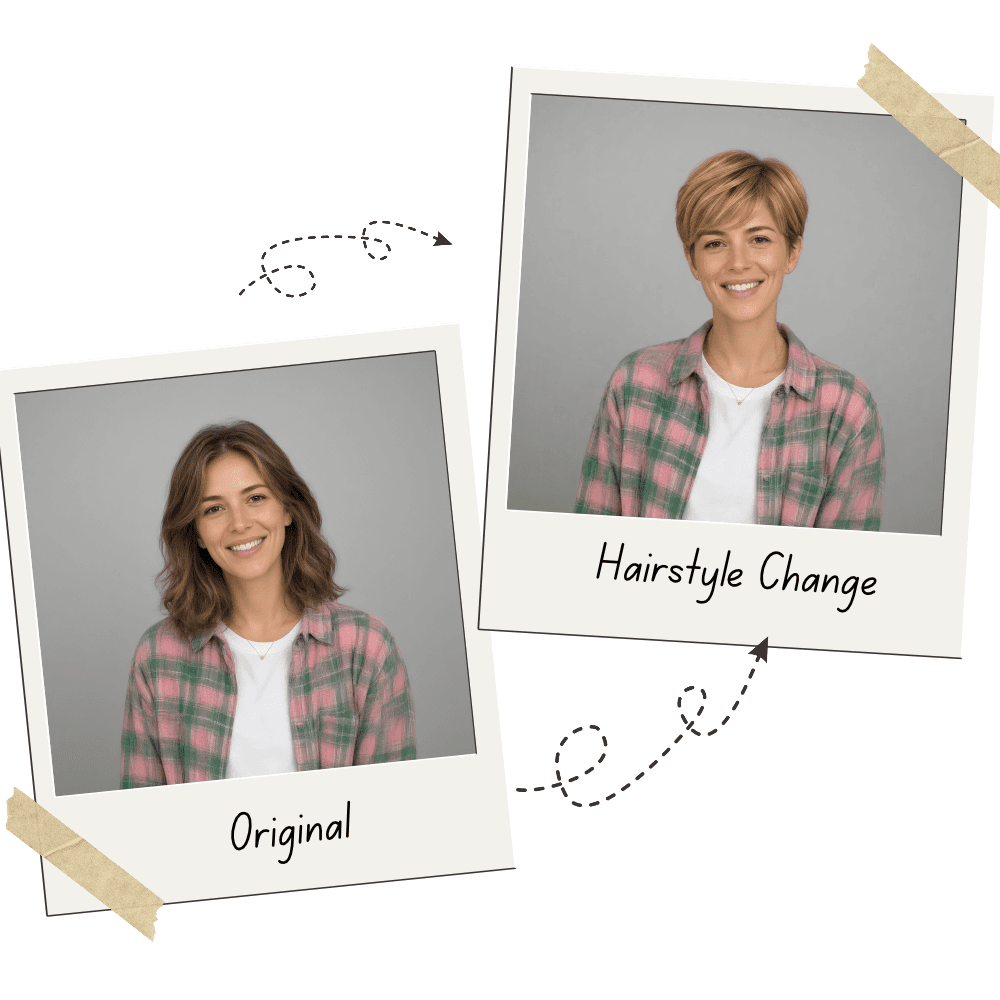
Refresh your look with endless hairstyle possibilities
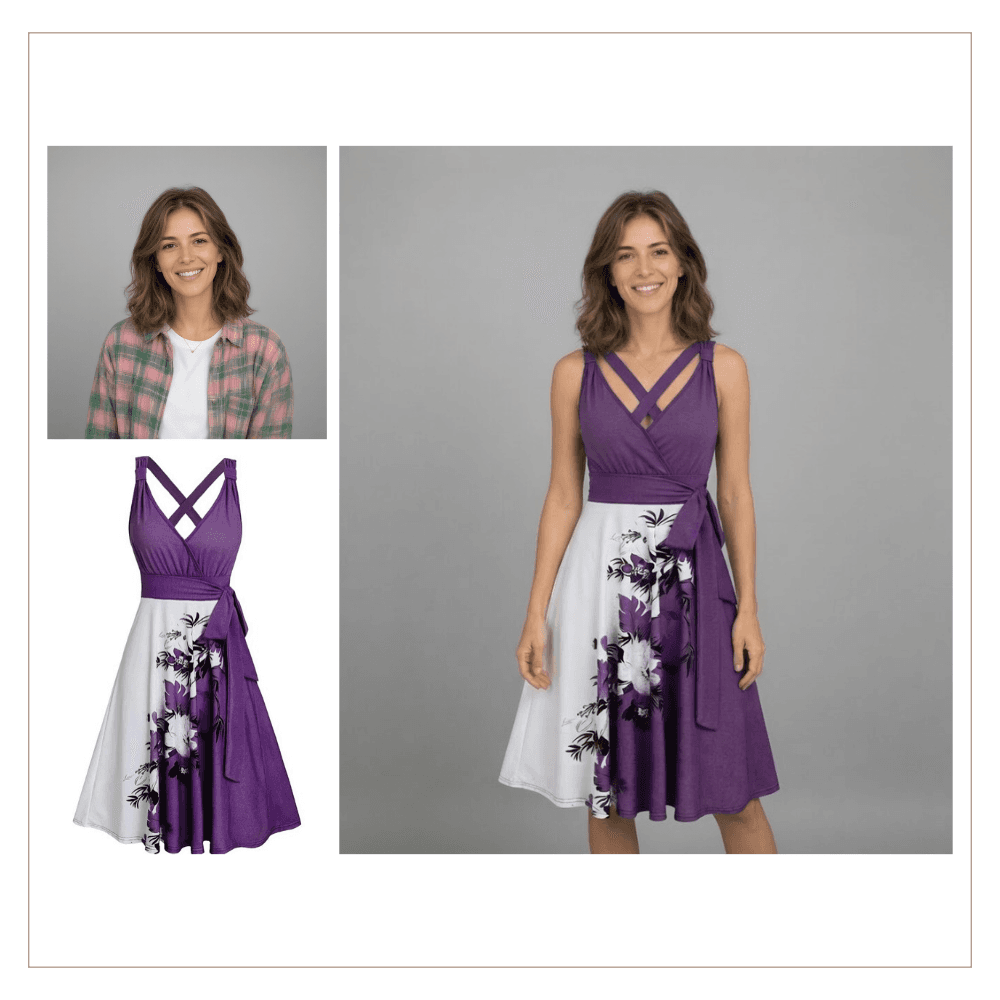
Transform your style with new outfits in seconds
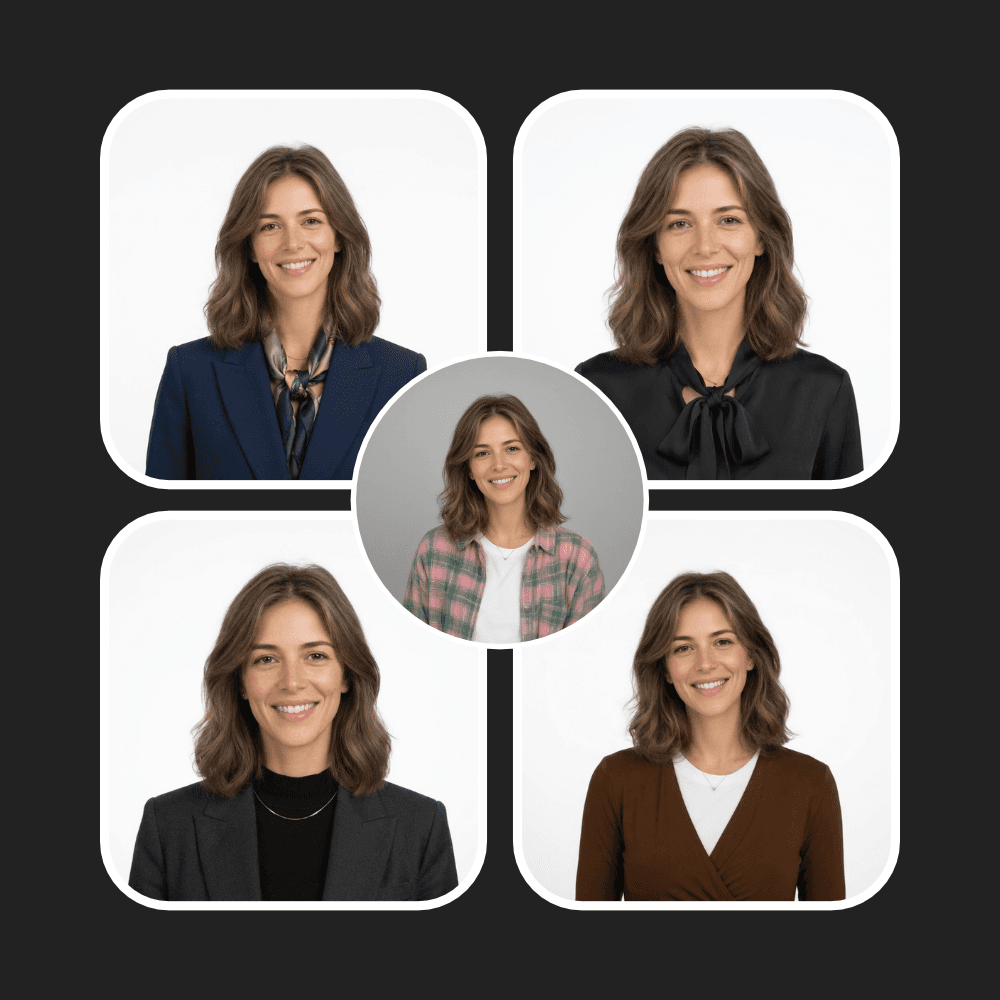
Turn any photo into a polished, professional headshot
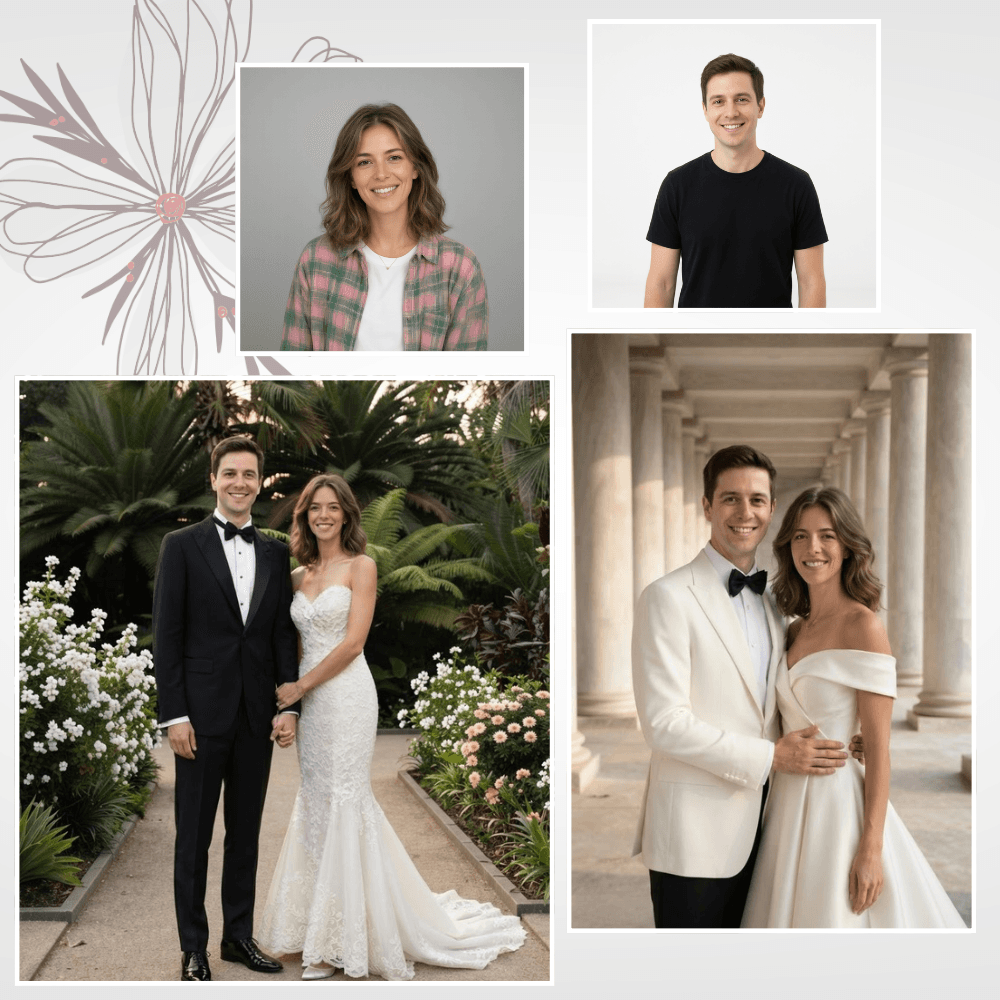
Create elegant wedding portraits with a timeless, romantic look
prompt: A golden retriever puppy running through a field of wildflowers at sunset, slow motion, warm cinematic lighting, gentle camera tracking shot.
Start free, then pick the plan that fits how much you create. Every plan uses the same credits across chat, images, video and voice.
25,000 credits to start, one time
Start for free4,000,000 credits per month
Get ProGot questions? We've got answers. Browse the Help Center for more.
CombiChat brings leading AI models, from providers such as OpenAI, Qwen, Mistral, Google, DeepSeek, and Anthropic, together in one place, alongside studios that create images, video, speech and songs. You pay with one balance of credits instead of a separate subscription for each tool. Ask one model, or ask several side by side with Multi Chat; keep a project's chats in a Space that answers from your own material; and publish a Space as a public assistant with a Portal.
Yes. Sign up with your email or your Google account and you get 25,000 credits to try CombiChat, with no card needed. The Free plan's credits are a one-time welcome grant rather than a monthly allowance, so when they run out, choose a paid plan to keep going. The Pricing page shows what each plan includes.
You can chat with models from providers including OpenAI, Qwen, Mistral, Google, DeepSeek, and Anthropic, and the studios add image, video, speech and music models. New models are added regularly, so the Pricing page keeps the full, current list and shows which plans include each one. In a chat, pick a model from the selector at the top; models that can think harder show a reasoning effort control beside it.
Credits are the one balance everything in CombiChat runs on: chat, images, video, speech and songs. Each thing you do uses some. In chat, more capable models and longer answers cost more; in the studios, bigger, longer or higher-quality media costs more. Every studio shows a live estimate before you generate, and each chat reply shows the credits it used. There are no daily or weekly caps: while you have credits, you can keep going.
At each renewal you keep 50% of your unused credits, and the new term's credits are added on top. Your first purchase and any upgrade keep your whole balance.
Go to Setting ▸ Billing and click Cancel plan, or cancel in Manage billing & invoices. Canceling stops future renewals. You keep your plan, your access and your credits until the end of the term you've already paid for, and the page shows the date it ends. Changed your mind? Click Resume plan before then and nothing is interrupted.
Explore our blog for the latest product updates, real-world AI case studies, and cutting-edge AI trends. Explore more
All four cost about $20 a month and each one wins a different job. A plain comparison of what you get, what they cap you at, and which to buy for your work.
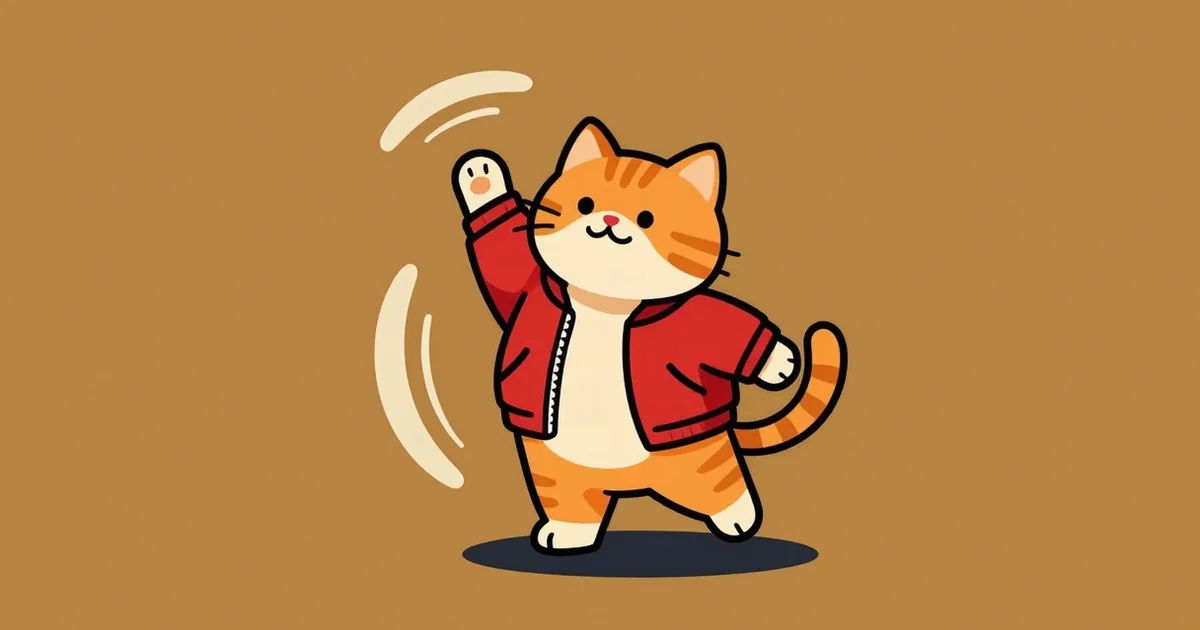
GPT Image 2.6 returns a looping animated GIF from one text prompt, or animates a photo you upload — 2 to 16 frames, no video model needed. The exact settings, the prompt, the dancing-cat result, and what each turn charged in credits: more frames do not buy you more picture, they buy you less. Measured November 2026.
We priced every image model we run, in credits: 233 for the cheapest, 17,472 for the dearest — a 75x spread for the same prompt. The full distribution, which setting actually changes your bill (it is not resolution), and how many images $19 buys. Verified November 2026.