Settings
Your Profile
Your Profile is where you manage your account — your name and picture, how you sign in, and a quick summary of your plan. Find it under the Setting tab in the sidebar.
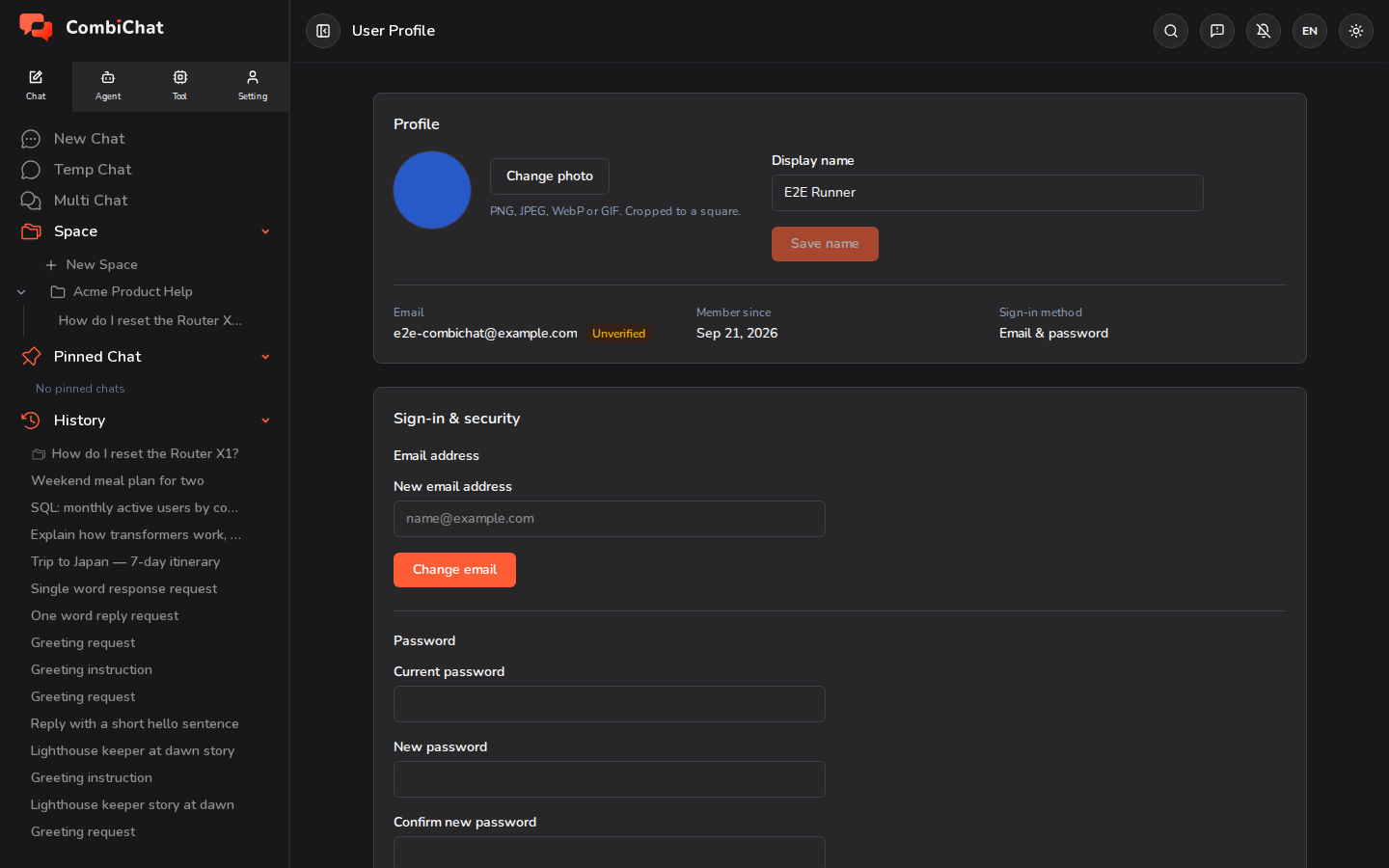
Name and picture
Update your display name and upload a profile picture. These appear wherever you're shown in the app.
Account summary
At a glance, your profile shows:
- Plan — your current plan.
- Credit balance — the credits you have left.
- Access until — the date your current access runs through.
- Storage used — how much of your storage you've used, out of your plan's limit.
For the full breakdown and to change your plan, go to Billing (see Plans & Credits).
Sign‑in and security
Your profile shows how you sign in — email & password, or a connected provider like Google. From here you can:
- Change your email address.
- Change your password.
When you change your email, we send a confirmation step to keep your account secure — the change takes effect once it's confirmed.
Tips
- Keep your email current — it's where account and (if you've turned them on) activity notifications are sent.
- Notification preferences live in Settings, and payment details are managed in Billing.